Performance Rating
タグ
商品URL
アバターの説明
Ver․1․0
AI要約
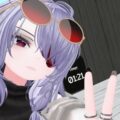
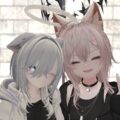
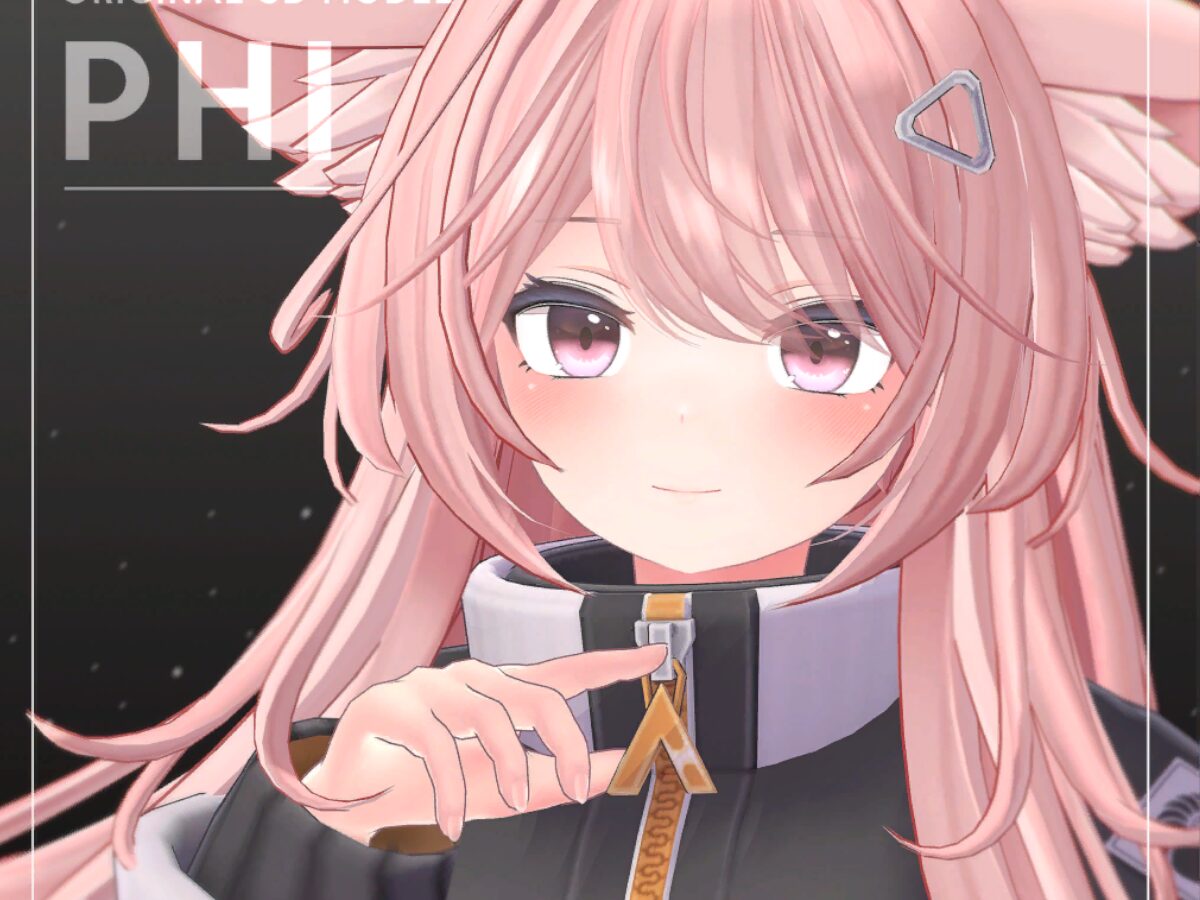
ピンクの髪と大きな瞳、黒いリボン付きの衣装が印象的な少女アバター。淡い色合いとまっすぐな表情がまとまり、甘く上品な可愛らしさがあります。
AI生成のため間違いがある場合があります。
アバターの使い方
- VRChat公式にログイン後、「Add to Favorites」から自分のVRChatアカウントのお気に入りアバターに追加できます。
- すぐに切り替える場合は「Change Into Avatar」から変更できます。
![Sii [Sample] Ver․2_0](https://planetvrchat.net/wp-content/uploads/fetch-vrc-avatar/images/30345-thumb.jpg)


![Phi_Quest[SAMPLE]](https://planetvrchat.net/wp-content/uploads/fetch-vrc-avatar/images/30357-thumb.jpg)
![[SAMPLE] DELTAFLAIR](https://planetvrchat.net/wp-content/uploads/fetch-vrc-avatar/images/30358-thumb.jpg)
![[SAMPLE] LAMBDA](https://planetvrchat.net/wp-content/uploads/fetch-vrc-avatar/images/30359-thumb.jpg)
![[SAMPLE] LILIMOCA](https://planetvrchat.net/wp-content/uploads/fetch-vrc-avatar/images/30361-thumb.jpg)
![[SAMPLE] LETHALFREET](https://planetvrchat.net/wp-content/uploads/fetch-vrc-avatar/images/30362-thumb.jpg)